
SkySend Media
Your message, where customers collect.
Every SkySend locker has a screen that people look at each time they collect a parcel. Use it to share community news, promote a business or put your brand on the locker itself.
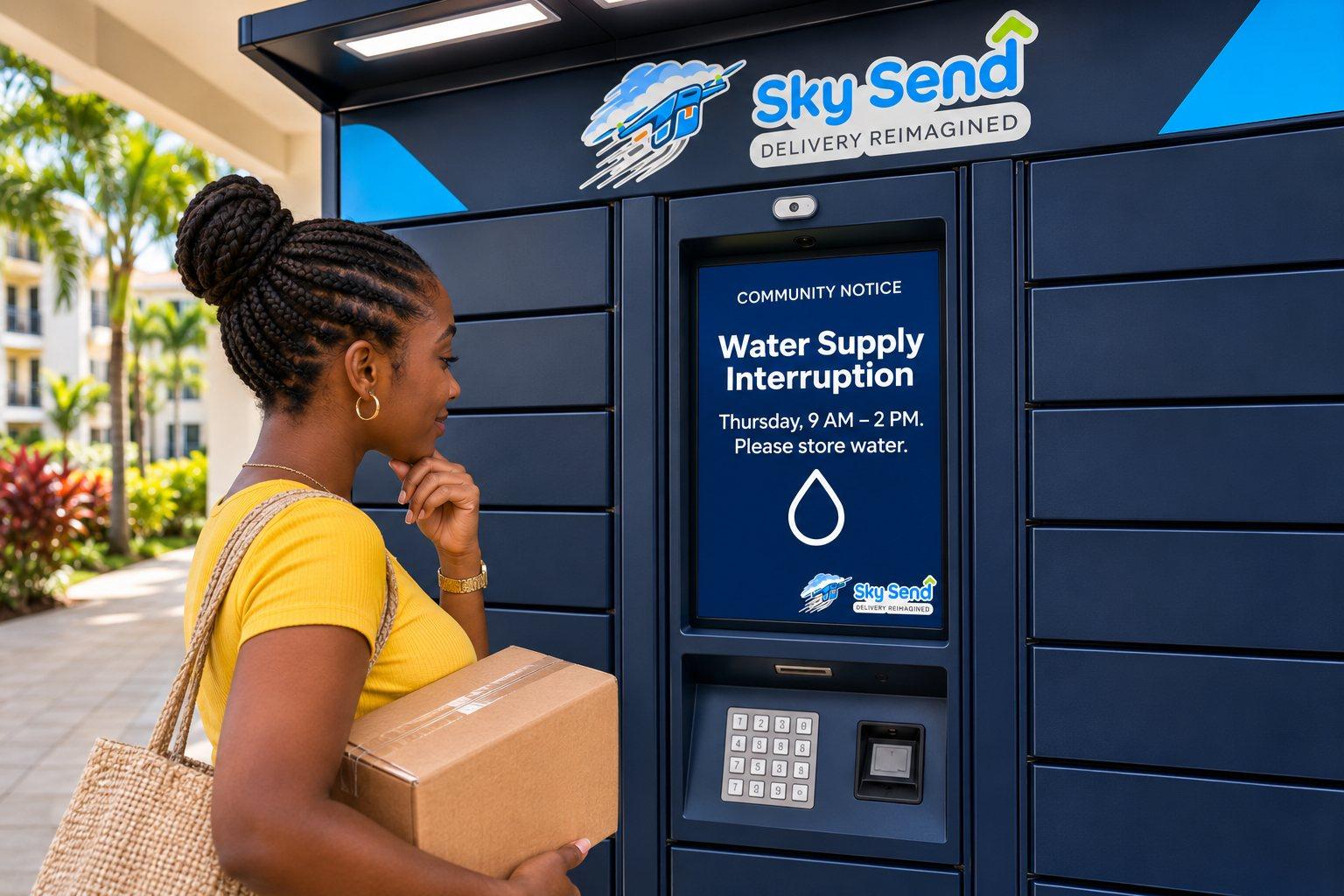
Community notice
Water supply interruption
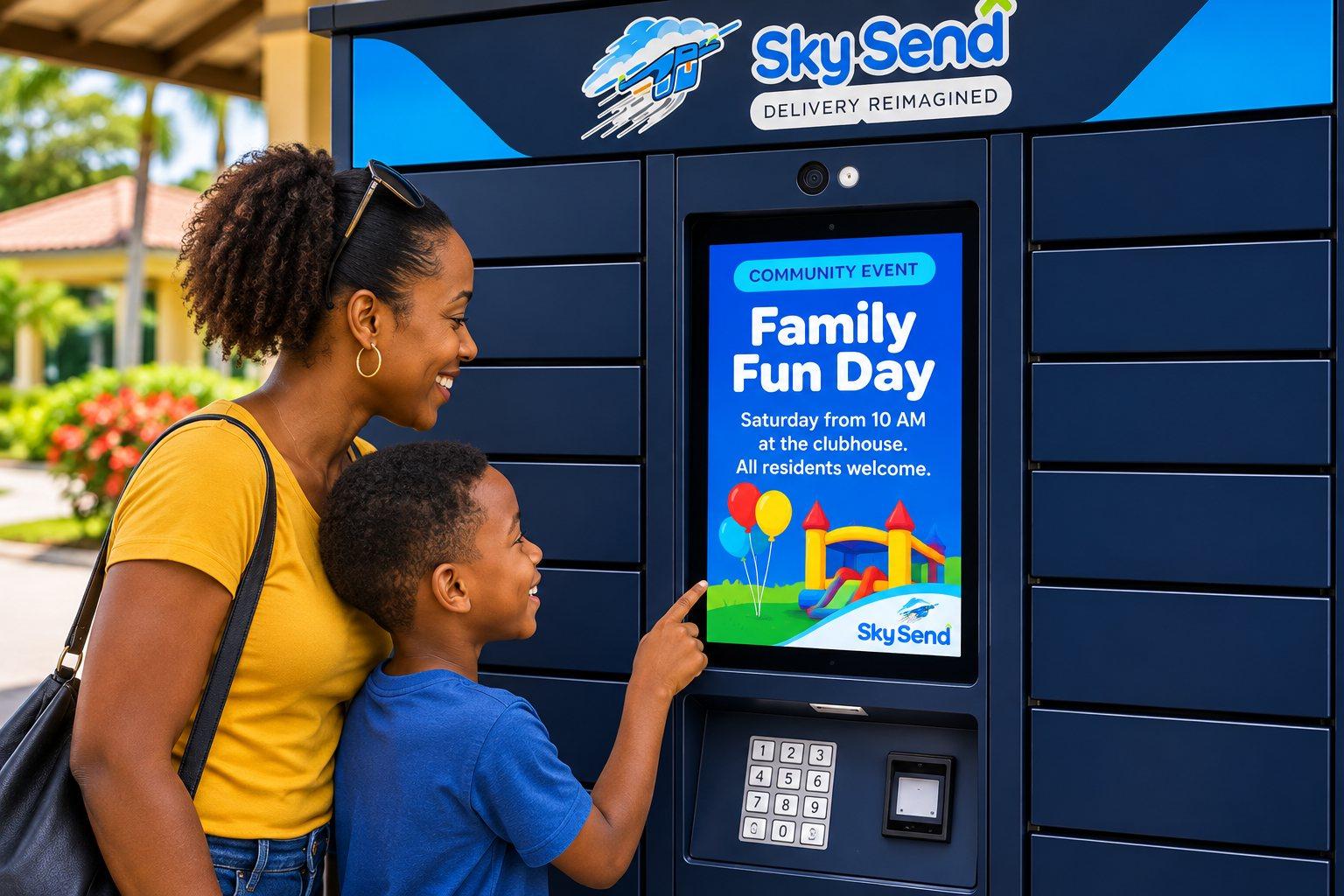
Community event
Family Fun Day
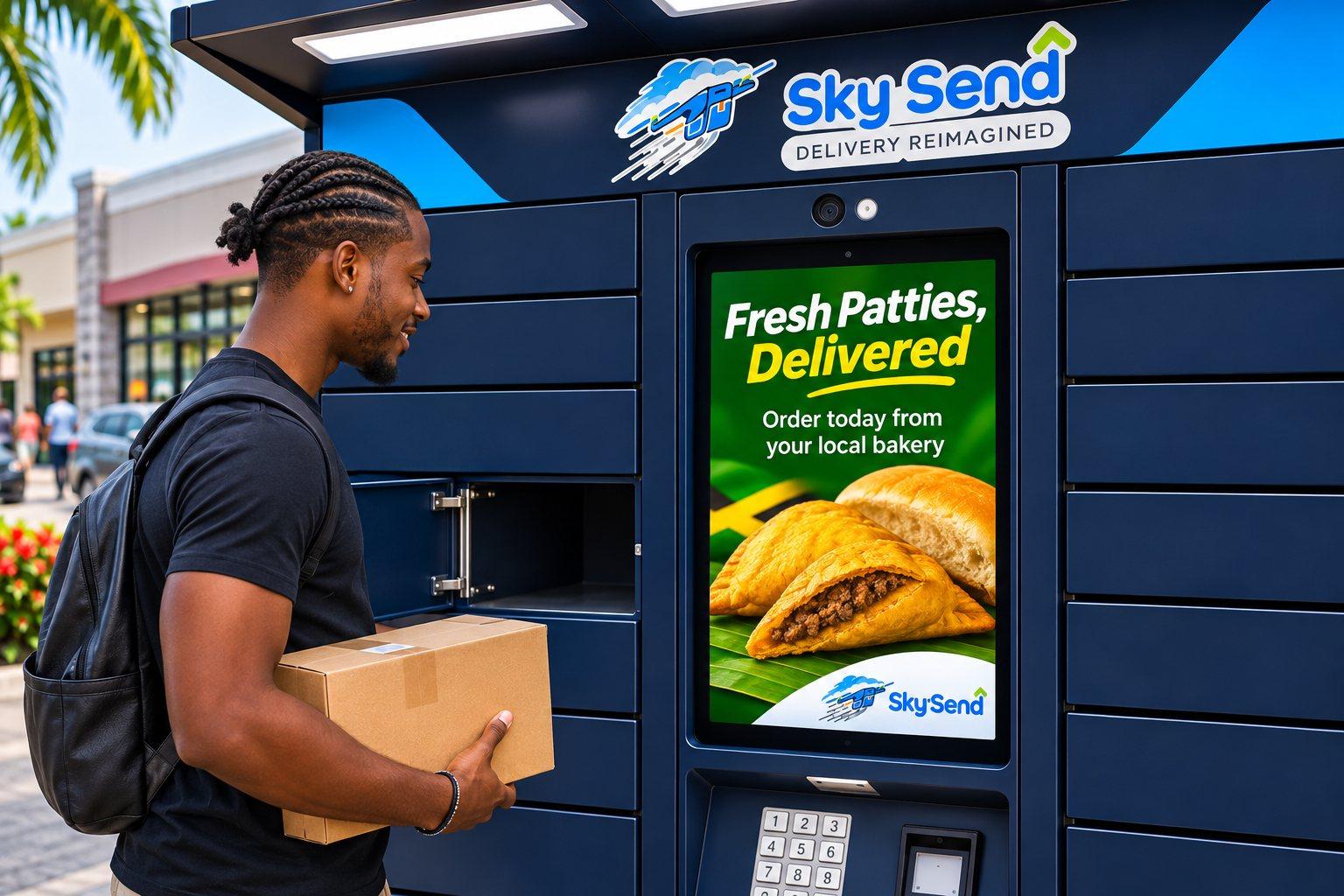
Local business
Fresh patties, delivered
Sample screens for illustration.
What you can show
Four ways to use SkySend Media
Screen advertising
Community notices
Courier promotions
Custom locker wraps
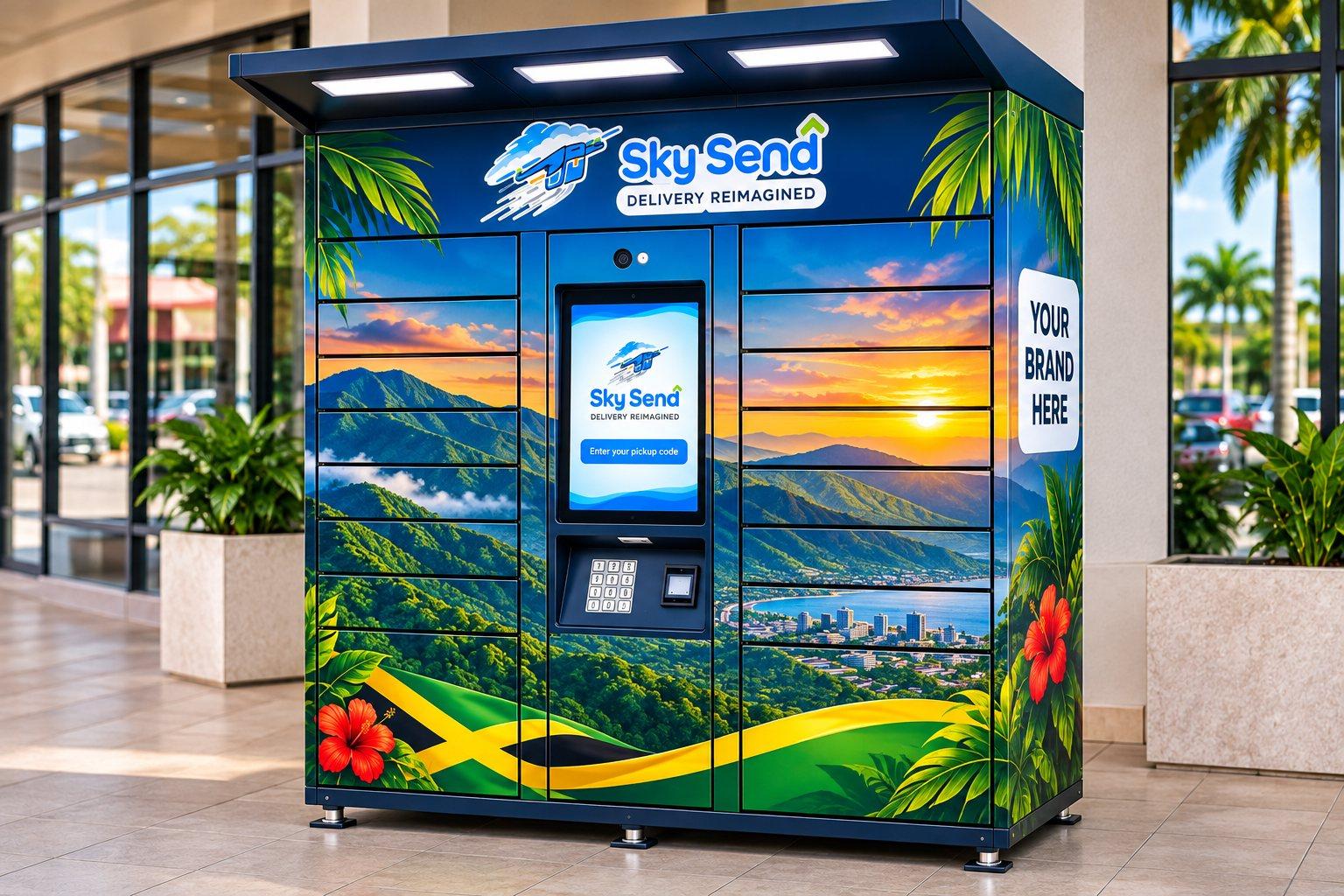
Custom locker wraps
Turn the locker into a billboard
Cover the sides and doors of a locker in your brand, a sponsor's artwork or your community's colours. The screen, keypad and doors work exactly as before.
- Full-colour, weather-resistant vinyl
- Designed and proofed with you before printing
- Available for community and public lockers
Why it works
Seen at the right moment
Locker screens reach residents, commuters and shoppers while they stand at the locker, not while they scroll past.
- Everyone at the locker is an online shopper waiting for a delivery
- Reaches residents who miss the WhatsApp group or the notice at the gate
- Messages can be updated without printing or replacing posters
- Community sites and busy public sites, chosen to suit your audience
Content standards
To keep every locker welcoming, all screen content and wrap designs are reviewed before they go live. We do not show political, offensive or misleading material, and host communities can ask us to remove any message at their site.
How it works
From idea to on-screen
Step 1
Tell us your goal
Share your message, audience and preferred sites.Step 2
Receive a quotation
We recommend a package and send pricing in writing.Step 3
Approve the preview
We format your content for the screen or prepare a wrap proof. Nothing goes live until you approve.Step 4
Go live
Your content runs for the agreed dates at the agreed sites.
Advertising quotation
Request a quotation
Pricing depends on the sites, dates and format you choose. Tell us what you have in mind and we will send a quotation.